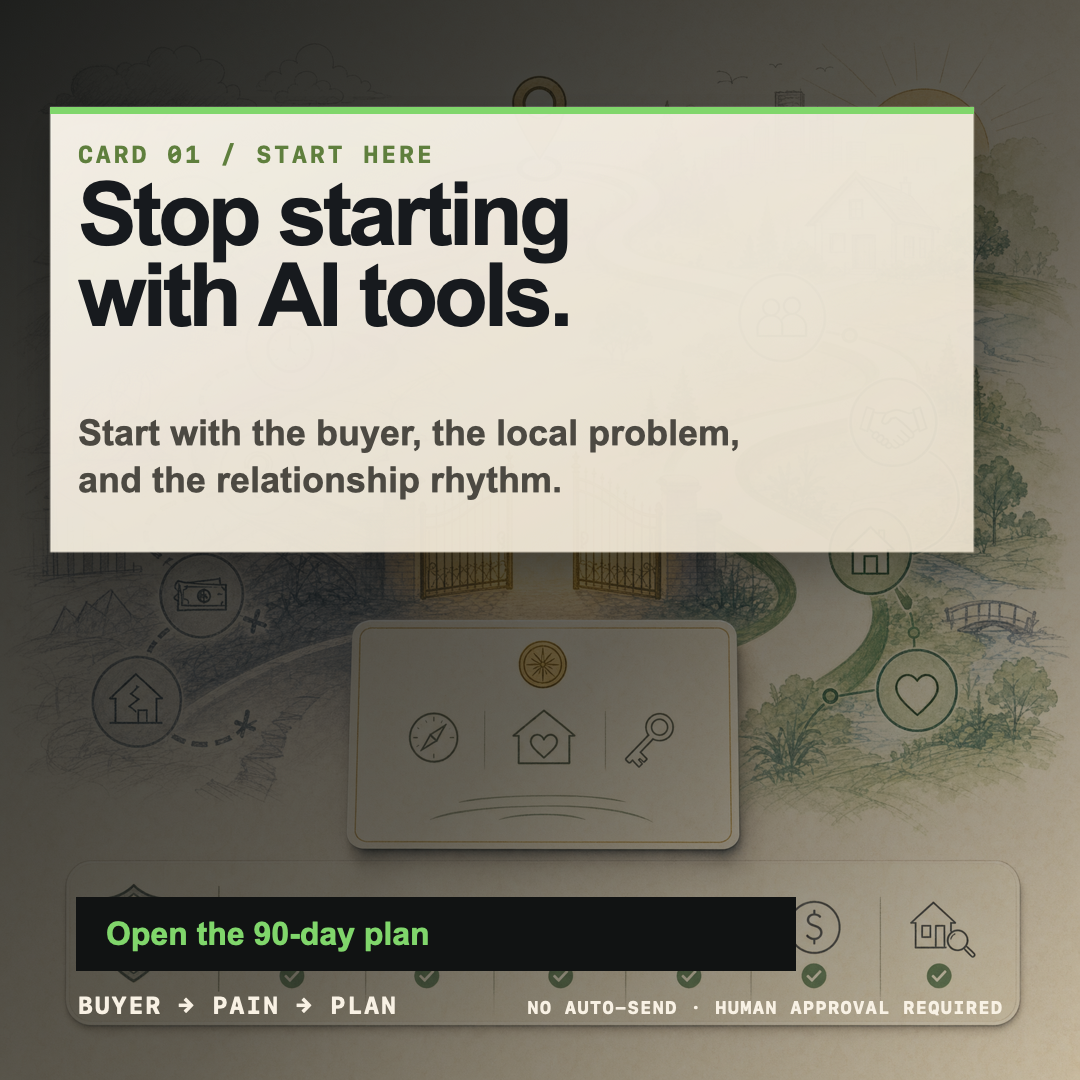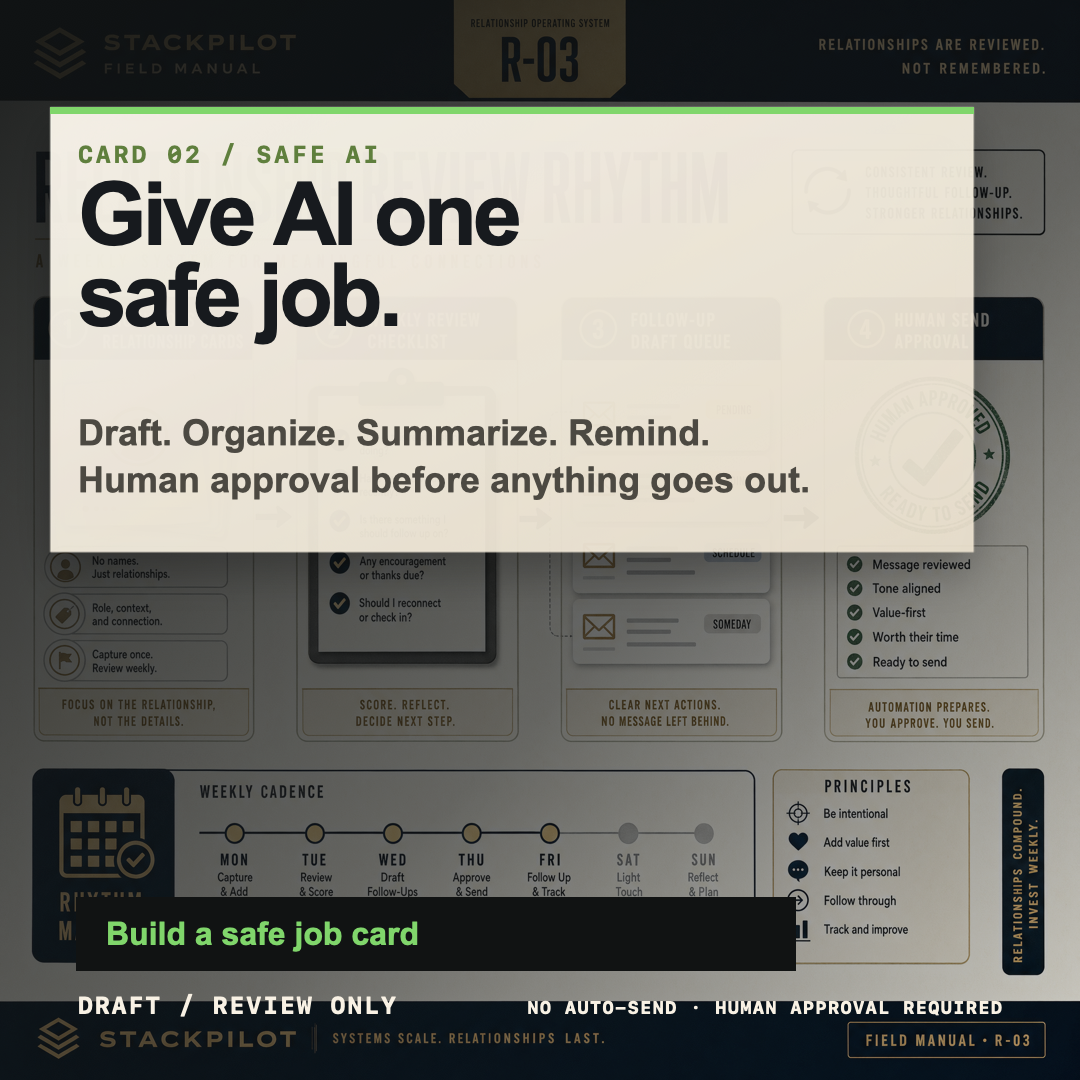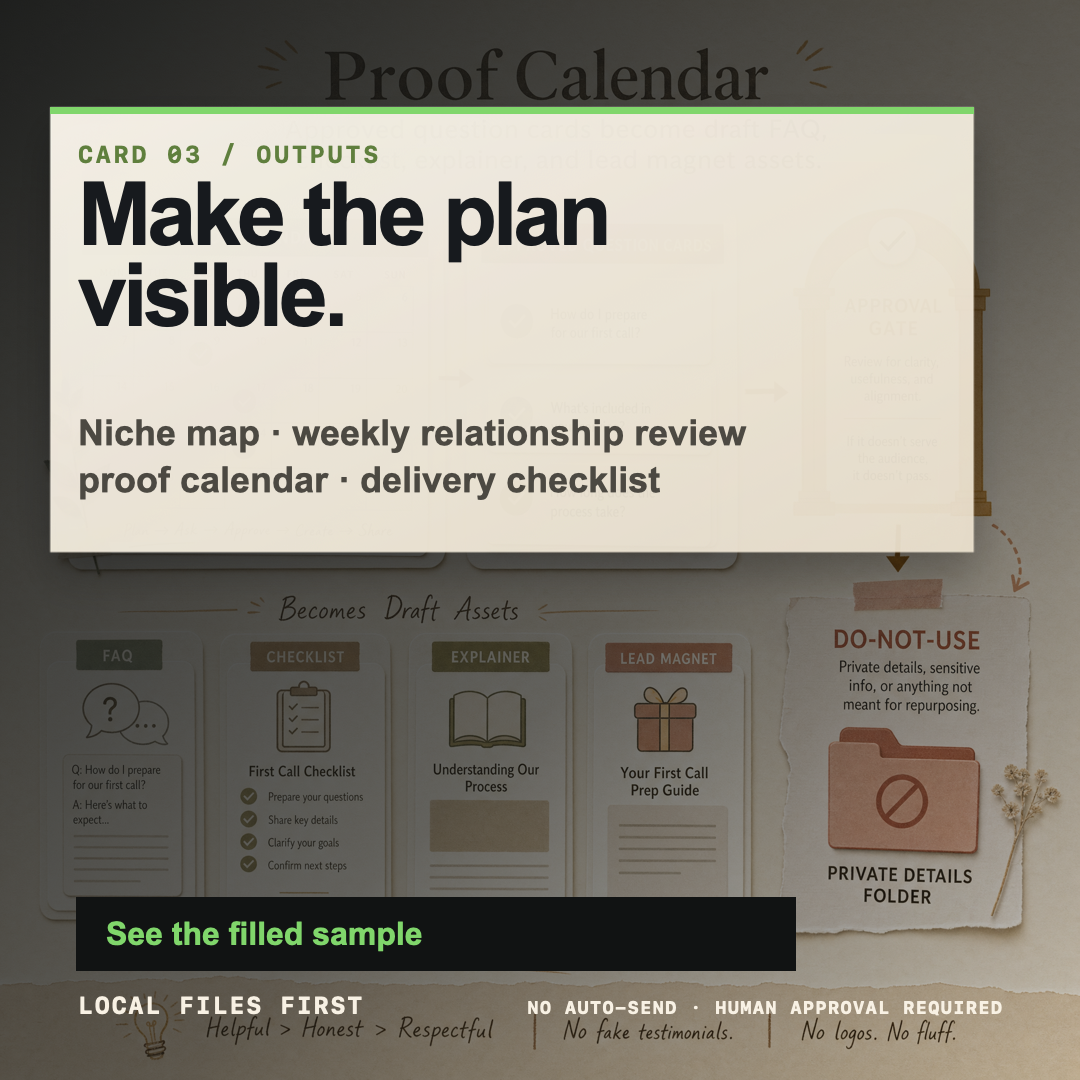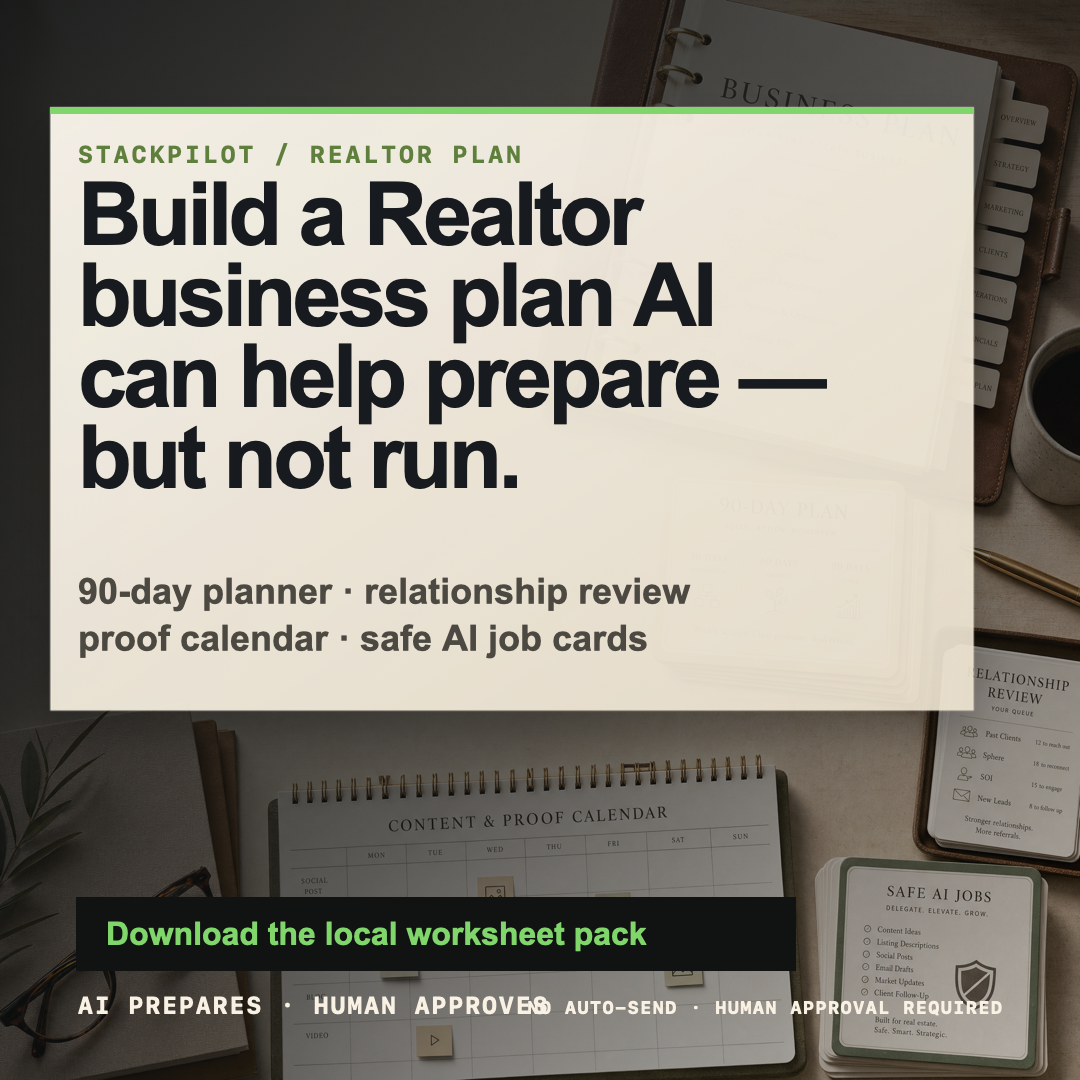
Primary square ad
Build the plan before AI helps.
Use for a feed post or ad concept after platform/account/link approval.
Open PNGCampaign approval packet / local only
This static packet bundles the PNG contact sheet, exact caption drafts, platform-specific safe CTA copy, and preflight checklist for the Realtor Business Plan Builder campaign. It is a review artifact only: no posting, ad buying, upload, outreach, checkout, email capture, account change, analytics, or public deployment is connected.
Open PNG contact sheet Open source SVG cards Open planner page Run non-publishing QAHuman approval lock
AI may draft and organize local campaign assets. Humans approve final facts, claims, audience, platform, account, link, timing, compliance language, publishing, sending, ad buying, checkout/email capture, account changes, and any external action. Do not use private client data, CRM/MLS screenshots, brokerage logos, fake proof, testimonials, income claims, or automated-outreach promises.
These are the seven existing exact-copy Realtor Business Plan card exports. PNGs are review format; SVGs remain the editable master files.
These drafts are conservative, useful, and review-only. Replace placeholder URLs only after the launch path and tracking/disclosure language are approved.
Most Realtors do not need AI to “run” their business.

They need a visible plan:
1. who they serve,
2. which relationships get reviewed,
3. what proof they publish,
4. which follow-up drafts need approval,
5. what happens every week.

The Realtor Business Plan Builder is a worksheet-style operating plan for that first version.

AI can help draft and organize. A human still approves every client-facing message, public post, claim, and next step.

Review the planner: [APPROVED LINK]Realtor business planning gets messy when AI starts in the wrong place.
Use the simple order:
• Start with the buyer.
• Give AI one narrow draft/review job.
• Leave with a visible weekly plan.
This is not auto-DM software, a CRM replacement, or a promise of results. It is a planning worksheet for safer follow-up, content, and relationship review.
Open the local review page: [APPROVED LINK]Text overlay:
Build the Realtor plan before AI helps.
Caption:
A simple 90-day operating plan for relationship review, useful proof, and human-approved follow-up drafts.
No auto-send. No fake proof. No CRM/MLS changes.
Planner link: [APPROVED LINK]Subject idea: A safer way to plan Realtor AI workflows
Before AI drafts a post or follow-up, the business plan should be clear enough to review on paper.
This Realtor Business Plan Builder helps map the 90-day lane, relationship review rhythm, proof/content plan, and safe AI assistant job card.
It is designed for draft/review workflows only. Client-facing actions, claims, sending, posting, and system changes still require human approval.
Review the planner: [APPROVED LINK]Choose one CTA only after Tim approves the launch path. These options avoid promises, urgency pressure, private data collection, and unapproved affiliate/checkout claims.
Best for an internal/local launch review or a soft public page with no checkout.
lowest riskOnly use after the free download path, privacy copy, and any email-capture decision are approved.
requires approvalOnly use after checkout, refund language, tax/payment/KYC, support, and delivery are approved by Tim.
blocked until setupPreflight checklist